The No-Code Agent Playbook for Small Business Owners Who Hate IT Tickets
Skip the developer and automate tedious coordination work.
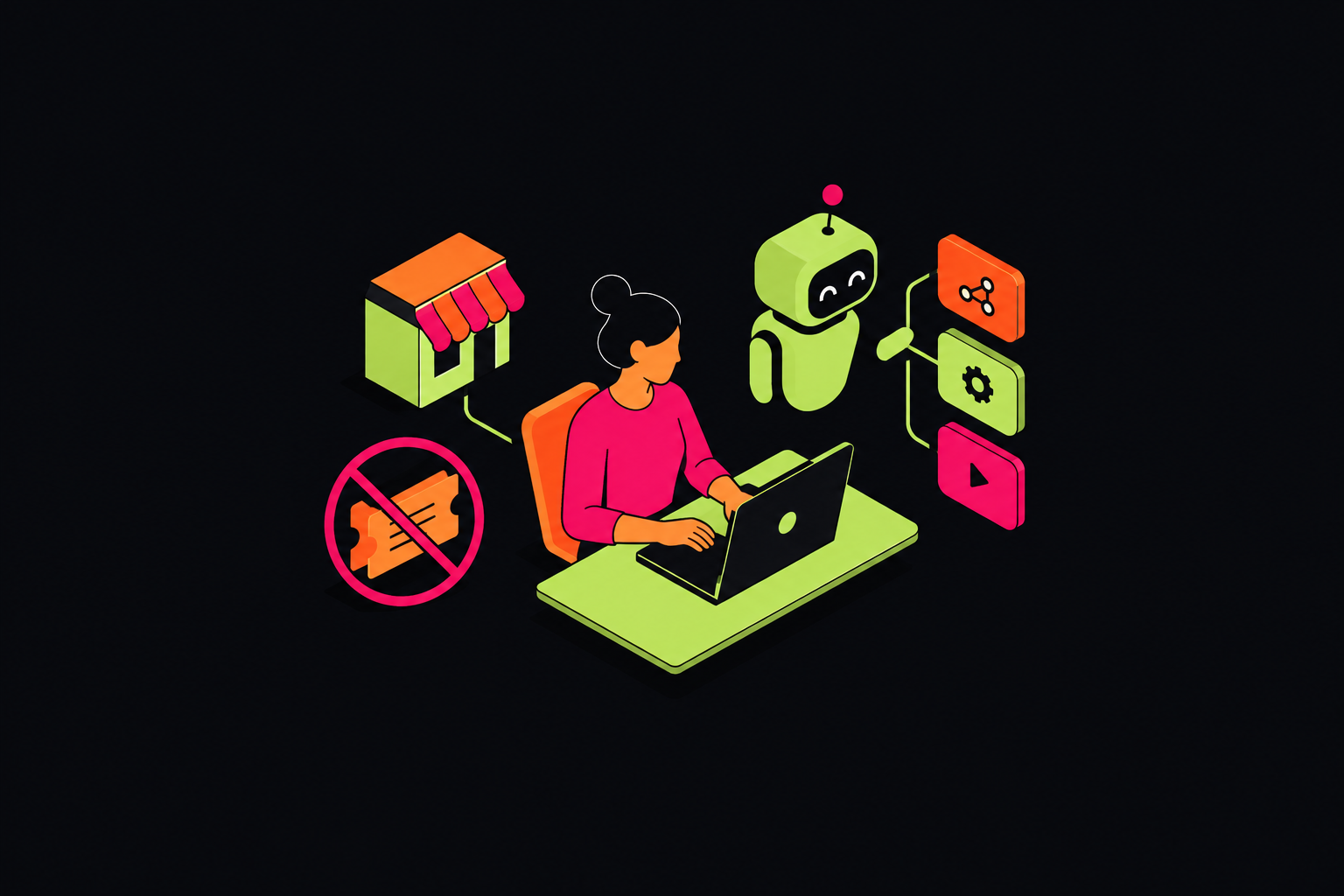
Business AI agents are tools that work out what a request means, decide what comes next, and act across business software, going beyond fixed rules. For small business owners, the best place to start is a task that often needs work to be coordinated, such as support triage or client onboarding. No-code platforms can remove the wait for a developer, but reclaiming those hours depends on choosing the right workflow and defining when the agent must stop for human help.
Why small business owners keep losing hours to IT-adjacent busywork
An owner is answering a request, checking a project’s status, and reminding someone to send a follow-up. They are the de facto help desk, project manager, and follow-up enforcer. Yet nothing is broken in the traditional IT sense. The work falls between tools and people, where someone must interpret what happened, decide who needs to act, and make sure the next step happens.
This is IT-adjacent busywork, too routine for a developer to touch and too consequential to ignore. Once a business grows beyond a handful of people and runs on more than two or three SaaS tools, coordination overhead compounds faster than headcount. More tools can leave the owner holding the context between systems, even when each system performs its own job well.
What separates an AI agent from the automation tools most owners have already tried
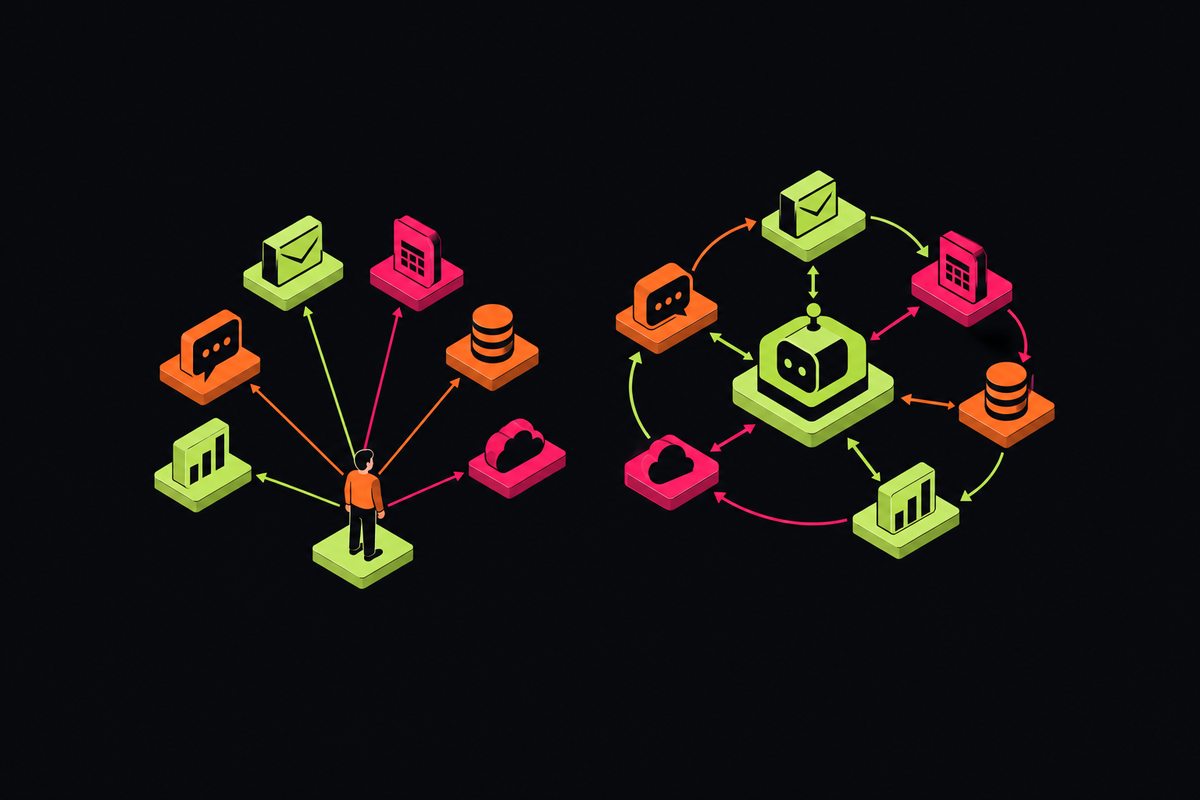
What if the business already uses an automation tool? The useful distinction is not whether a tool calls itself automation, but how it responds when inputs vary. Rule-based automation follows conditions that someone has set ahead of time. An agent can interpret unstructured inputs, evaluate what to do next, and act without someone programming every variation. That difference becomes useful where the work follows a pattern but the wording does not.
A support request illustrates the gap clearly. A customer might describe the same problem as a complaint, a question, or a request for help. A rule-based workflow needs conditions that catch those variations, while an agent can recognize the underlying intent and route the request appropriately. Agents can also monitor inputs and execute tasks on their own schedule, rather than depend solely on a fixed trigger-and-action script.
No-code describes how the owner assembles that behavior. It means a visual builder, pre-built integrations with tools such as Slack, Gmail, or a CRM, and deployment without a developer or local environment. The owner connects tools and defines the rules. This removes the technical setup barrier while leaving the owner responsible for understanding the work and deciding which choices the agent may make.
The five small business workflows where agents replace the most manual coordination
The highest-return starting points are often the most frequent. Tasks that happen dozens of times a week give people repeated chances to spend less time coordinating work by hand. The strongest candidates span tools, follow a recognizable pattern, and need a person mainly to interpret exceptions. Five patterns make that opportunity concrete.
Customer support triage is the routing pattern. The agent interprets a complaint and sends it to the appropriate destination, even when customers describe similar problems differently. A simple support agent can handle hundreds of tickets per week that previously consumed many hours of human time. The value begins with getting the request to the right place.
An intake event starts form processing, channel or folder creation, template population with client data, and a delivery-team briefing informed by the sales process. Context moves with the work. Coordination that previously required hours of back-and-forth can run from a single trigger.
Invoice generation is the status-to-payment pattern. When a project reaches a defined status in the project management tool, the agent generates the invoice and sends it to the client. The project status becomes an instruction to act. This connects the record of progress to the financial follow-through that otherwise requires someone’s attention.
Project-phase handoff is the next-stage coordination pattern. The same status change can create the next project phase and notify the team. It can share a workflow with invoice generation. The distinction is the outcome, moving delivery forward rather than initiating payment, while avoiding another manual transfer between systems.
New hire onboarding documentation is the collection-and-nudge pattern. An agent gathers the documents needed through SMS, email, or internal communications, while a scheduling agent plans training sessions and a monitoring agent nudges the hire as deadlines draw near. The work extends beyond one exchange or tool. Its usefulness depends on maintaining context until the required steps are complete.
What AI platform should a small business choose in the 2026 no-code market?
Choosing a product that fits the work comes first. The 2026 market includes customer-facing agents that answer website questions, internal assistants that work for the team, and automation platforms with an AI layer. A convincing conversation demo does not establish that a platform can complete onboarding across business systems.
For the workflows above, the decision criteria are more concrete. Does the platform connect to the required tools, support the full sequence, and provide a clear exception path? Can the owner test safely and inspect what happened? Sandbox environments, version control, logs, traces, and performance metrics help separate an impressive demo from an operable workflow. The choice also depends on permission controls and how the platform handles data, which need to be checked before sensitive work moves onto it.
The available options use different pricing models. FwdSlash costs $20/month and bills per message, with a flat count that does not change with model choice. MindStudio has a monthly base fee plus usage-based pricing, with no limit on the number of agents and access to 200+ AI models. Neither headline alone determines the running cost. That comparison depends on how much work the workflow handles and what unit each bill counts.
The choice also depends on deployment needs: n8n has free self-hosting or cloud service from €20/month, while Botpress costs $150/month billed annually and fits work that needs real code integration. Self-hosting is a different operational choice from deployment without a local environment. For teams already using Microsoft 365, Microsoft 365 Copilot costs $30 per user per month, with agents billed separately in credits, so teams can work within the environment they already have.
The most common budgeting error is comparing unlike units. A task, run, execution, credit, conversation, and message are six different things. Two plans with the same headline price can differ several times over in real capacity. The comparison needs to cover the cost of completing the chosen workflow, including the subscription price and the number of models available.
How to build your first agent with a client onboarding workflow
To turn that comparison into a build, choose the single highest-frequency workflow and map it before opening the builder. Client onboarding provides a useful running example because its steps cross tools and its endpoint is clear. Keep the first version narrow enough to configure in one session. The aim is a complete workflow.
First, define the event that starts onboarding. It might be a form submission, a CRM status change, or an inbound message. Choose the trigger that matches the existing process. This gives the agent a defined starting point rather than a vague instruction to watch for new clients.
Next, write out the steps that follow in plain language. Process the intake information, create the required channel or folder, populate templates with client data, and brief the delivery team with context from sales. Specify the order and the tool for each step. The platform needs a pre-built connector for every tool involved or an API connection for a custom system, so mapping the steps also checks whether the platform can do the work.
Build the sequence in a sandbox before letting it act on live work. Use the available logs and traces to inspect what the agent did, and performance metrics to understand how it ran. Then define the exception path. When an input does not match expectations, the agent should flag it for human review, send a Slack message, or pause and wait, according to the path chosen for that workflow.
Only then move to low-stakes live inputs. Expand the scope after a week of clean runs. The practical test for completion has two parts. The agent must finish the full onboarding workflow without a person stepping in and flag the right exception when something unexpected comes up.
The supervision problem no-code platforms do not solve for you
An agent can email the wrong list, tag the wrong records, or act on a bad assumption faster than a person can catch it. No-code makes building easier while leaving supervision necessary. Persistent memory and scheduled triggers increase what an agent can accomplish across systems, but they also widen its blast radius. The question changes from whether the workflow runs to whether its actions remain understandable and controlled.
Understanding state helps make that distinction practical. Conversation state is what the model needs to understand the current interaction, while workflow state records where execution stands in a multi-step process. Side-effect state concerns what the agent has already done. That last category is especially important when an action cannot be cleanly retried after a failure midway through the workflow.
A 200,000-token context window does not itself provide persistence after a chat closes. Nor does keeping more information always lead to better decisions. Without curation, contradictions accumulate, useful signals become harder to find, and retrieval slows. Memory is an operating responsibility that requires continued supervision.
Platform governance should therefore be part of the design from the start. Agents that work with real customer or financial data need kill switches, audit logs, and permission models. Data handling comes before the compliance discussion. Before automating sensitive work, confirm where data is stored, whether it is used to train models, and whether the vendor publishes a data processing agreement.
For day-to-day operation, the minimum is straightforward. Every production agent should have a defined exception path, a human-review trigger for high-stakes actions, and a log of what it did and when. These controls make failures easier to find and contain. Their purpose is practical, because debugging a silent failure inside a live workflow is significantly harder than preventing it.
Where the agent stack is heading and what it means for owners who start now
Two infrastructure changes in 2026 reduce the overhead behind this work. The Model Context Protocol, or MCP, is the open standard that lets AI models interact with external tools and services. Its specification released on 28 July 2026 made the protocol core stateless. Integrations that used to need sticky sessions, a shared session store, and deep packet inspection at the gateway can now run on ordinary HTTP hosting behind a plain load balancer.
For owners, this means simpler hosting and scaling. Stateless communication does not require the application to forget its progress. Servers that maintain state across steps can issue an explicit handle that the model passes back on later calls. Multi-step workflows can thus keep the context they need and become easier to debug.
Slack’s addition of an MCP client option addresses a different source of friction. It positions Slack as a coordinating layer that decides which system or agent performs a task. Owners already running their business there can orchestrate agents without adding a separate interface.
Starting now provides operational learning. A first agent exposes the exception paths and data quality problems in the business’s own workflow. That knowledge compounds as the owner learns what can run autonomously and what needs review. A frequent task, a connected platform, a sandbox, and a defined exception path are enough to begin today, with the aim of doing more without adding headcount.